

Latest Version
Shenzhen Chengsi Technology Co., Ltd.
Tools
Mac
Free
6504022609
Report a Problem
More About Desktop Organizer - File Zones
The Cost of a Cluttered Mac Desktop
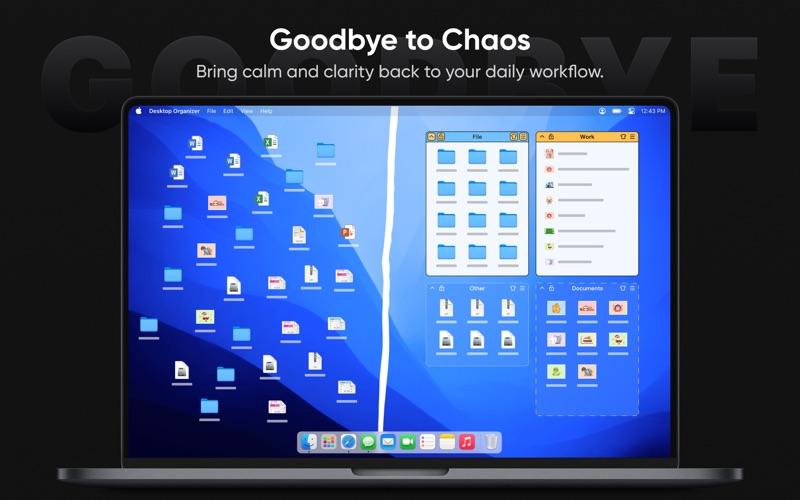
For many Mac users, the desktop quickly becomes a digital dumping ground. Screenshots, downloaded PDFs, and active project files accumulate until finding a single document feels like searching for a needle in a haystack. This visual chaos does more than look messy—it actively derails your cognitive focus and slows down your daily workflow. Shenzhen Chengsi Technology Co., Ltd. addresses this exact pain point with their specialized utility, Desktop Organizer - File Zones workspace optimization software.
How Desktop Organizer - File Zones Transforms Your Workspace
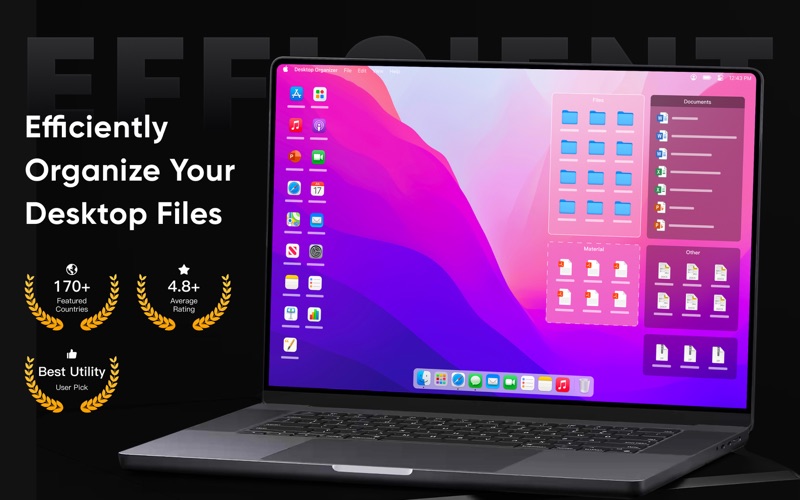
Instead of relying on macOS's default grid system or standard folders, this utility introduces structured, visual boundaries directly onto your screen. By partitioning your desktop into dedicated containers, you can segregate files by project, priority, or file type without burying them deep inside nested directories.
Core Productivity Features
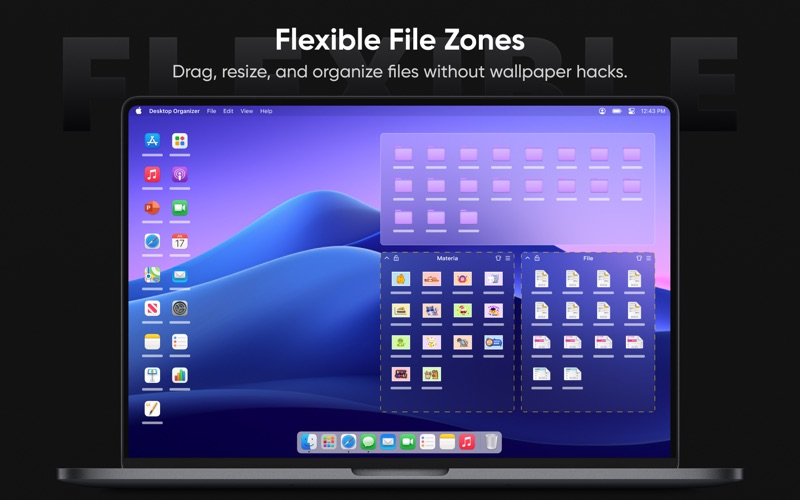
- Customizable File Zones: Group files visually into distinct, labeled areas. This keeps your active documents organized and immediately identifiable.
- Seamless Quick Access: Retrieve and interact with files instantly from any active application window, bypassing the need to minimize your current work.
- Integrated Fast Launch: Pin and trigger your most frequently used applications directly from your designated zones to streamline your application switching.
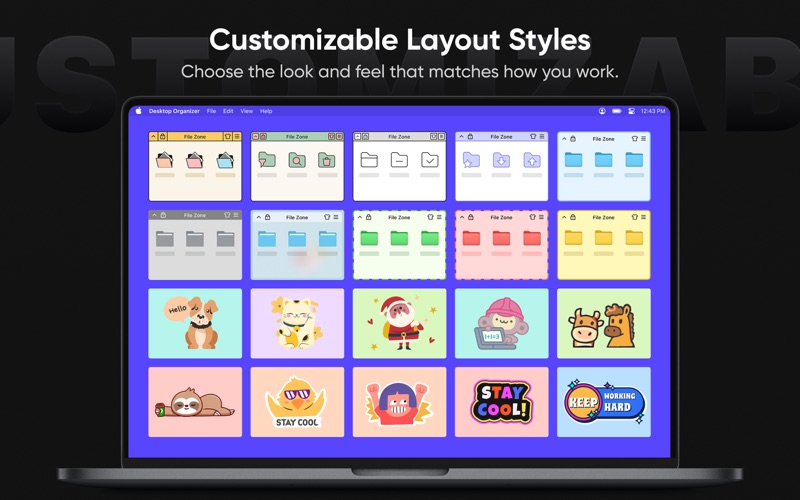
- Personalized Aesthetics: Tailor your workspace with a selection of elegant themes and flexible layouts that allow you to resize and reposition zones to match your visual preferences.
- Local & Secure Operation: Privacy-conscious professionals will appreciate that the software runs entirely locally on your Mac with zero external data collection.
Who Benefits Most From This Tool?
This utility is particularly beneficial for creative professionals, researchers, developers, and administrative staff who handle high volumes of temporary files daily. If your workflow relies on quick access to active assets but you dread the visual clutter of an unmanaged desktop, this application provides the structural guardrails you need to stay organized.
Refine Your Desktop Workflow
Maintaining a clean workspace doesn't have to require constant manual sorting. By establishing clear physical boundaries for your files, this utility helps you maintain focus and save valuable time throughout your workday. To explore how this tool can streamline your daily routine, visit the official Mac App Store to learn more and evaluate the software for yourself.
Rate the App
User Reviews













Popular Apps










Editor's Choice