
Latest Version
Jeff Shee
Tools
Linux
Free
io.github.jeffshee.Hidamari
Report a Problem
More About Hidamari Video Wallpaper
Picture yourself sitting down at your Linux workstation, ready to start a long coding session, only to be greeted by a static, uninspiring desktop background. If you have ever wanted to breathe life into your workspace with fluid, hardware-accelerated motion, Hidamari video wallpaper for Linux offers the ultimate solution to transform your digital environment.
What is Hidamari Video Wallpaper?
Developed by Jeff Shee, Hidamari is a specialized open-source utility designed specifically for the Linux platform. Categorized under desktop tools, this lightweight application allows users to set high-quality videos as their interactive desktop backgrounds. Written in Python, it serves as a modern, feature-rich alternative to older utilities like Xwinwrap and Komorebi, leveraging the robust mpv media player backend to render seamless video playback behind your active windows.
Key Features of the Hidamari Video Wallpaper Tool
Unlike basic scripts that simply loop a video file in the background, this application provides a polished, user-friendly interface alongside deep system integration. Key features include:
- Hardware-Accelerated Playback: By utilizing mpv, the app minimizes CPU usage, ensuring your system resources remain dedicated to your actual work.
- Multi-Monitor Support: Configure different video streams or span a single video across multiple displays with ease.
- Smart Pausing: To conserve laptop battery and system performance, the video automatically pauses when full-screen applications or games are active.
- Python-Powered Stability: A clean codebase ensures rapid updates, excellent compatibility with modern desktop environments, and reliable performance.
Who Is This Desktop Customization Tool For?
If you are a Linux enthusiast who loves r/unixporn, a creative professional wanting a dynamic workspace, or simply someone who finds ambient motion soothing while working, this software is tailored for you. It bridges the gap between complex terminal-based video wrappers and casual users who want a simple, graphical interface to manage their motion backgrounds.
How to Get Started
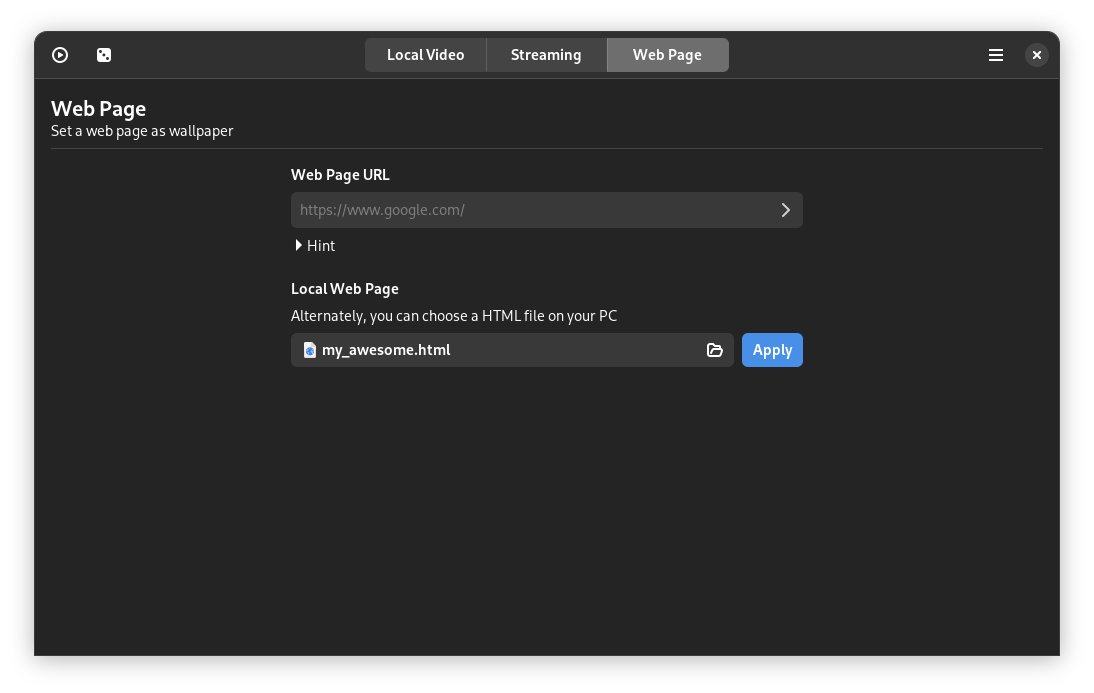
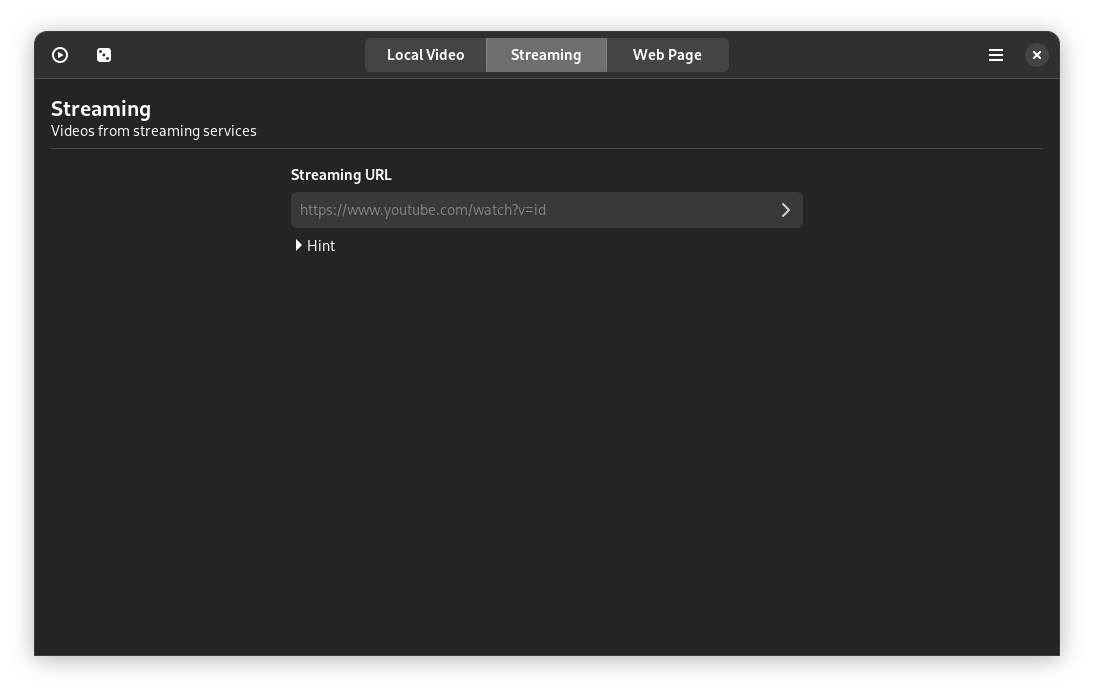
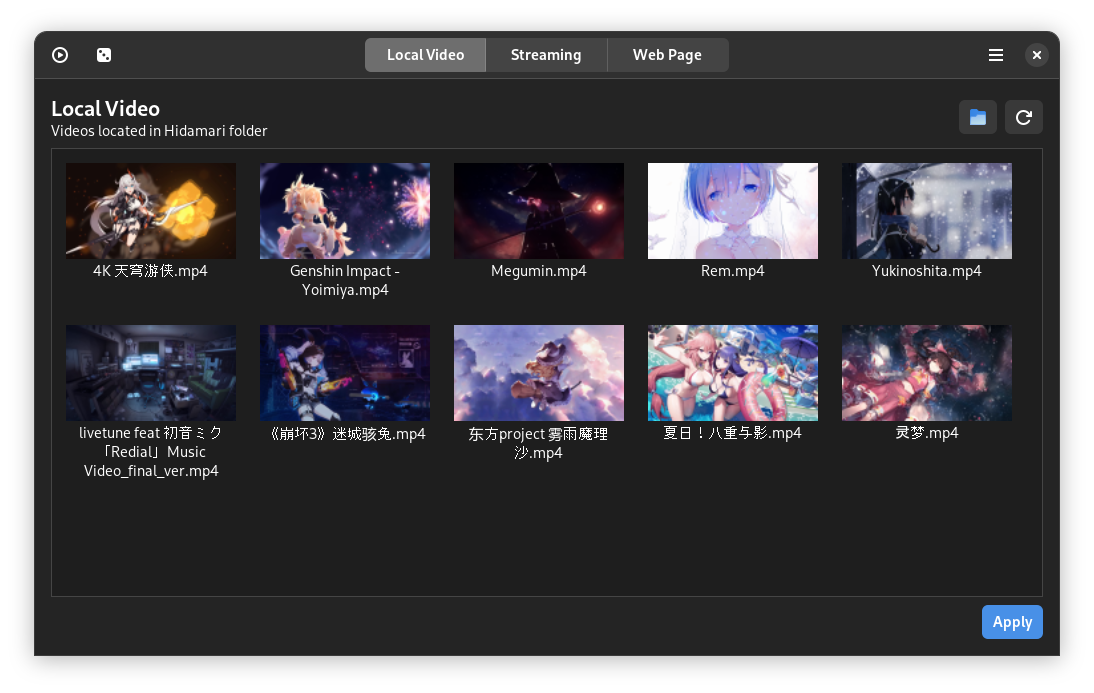
Setting up your new animated desktop is incredibly straightforward. Once the utility is configured on your system, you can import your favorite MP4, WebM, or other standard video formats directly through the intuitive control panel. From there, you can adjust playback speeds, audio settings, and display rules to fit your exact daily workflow.
Ready to elevate your desktop experience? Check out the official release page on Flathub to learn more about the installation process and start customizing your Linux environment today.
Rate the App
User Reviews











Popular Apps










Editor's Choice