
Latest Version
App Tyrant Corp
Tools
Mac
$29.99
1150565778
Report a Problem
More About File Cabinet Pro: Mac Menu Bar File Manager Review
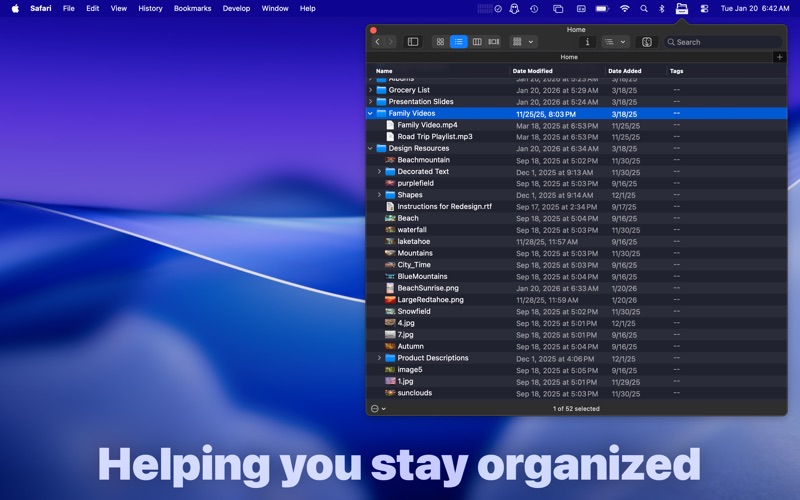
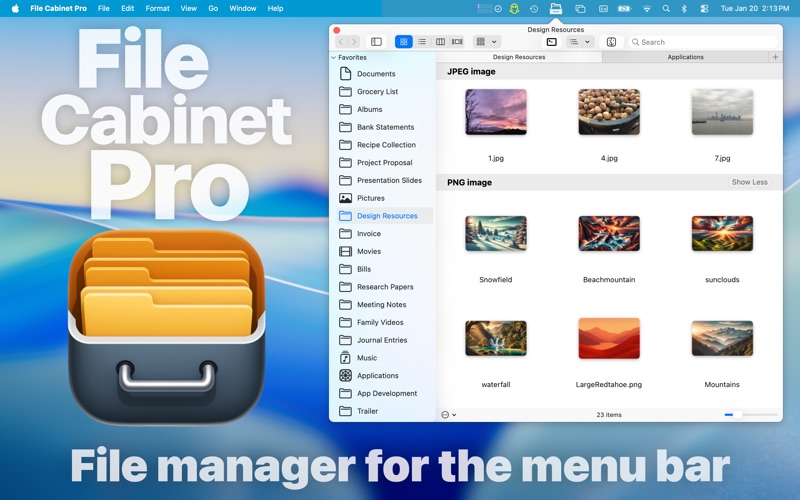
For Mac users seeking to optimize their productivity and clear desktop clutter, the File Cabinet Pro menu bar file manager offers an innovative, lightweight solution. Developed by App Tyrant Corp, this utility reimagines how we interact with our files by bringing a fully functional directory browser directly into the macOS menu bar. Instead of constantly switching back and forth to Finder or letting your desktop become a chaotic graveyard of temporary files, this tool keeps your active workspace clean and accessible with a single click.
Why Choose a Menu Bar File Manager?
Traditional file management often requires opening multiple Finder windows, which can quickly overwhelm your screen real estate. The File Cabinet Pro menu bar file manager solves this pain point by living discreetly at the top of your screen. It is designed specifically for power users, developers, creative professionals, and writers who need immediate access to their directories without interrupting their current application workflow.
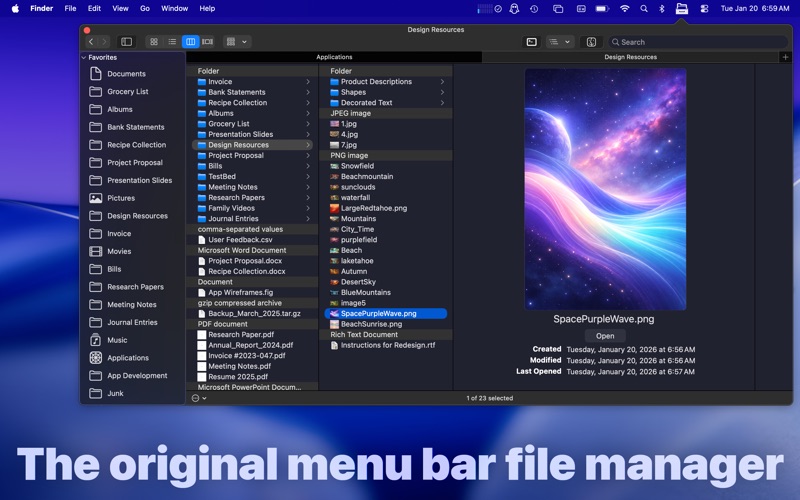
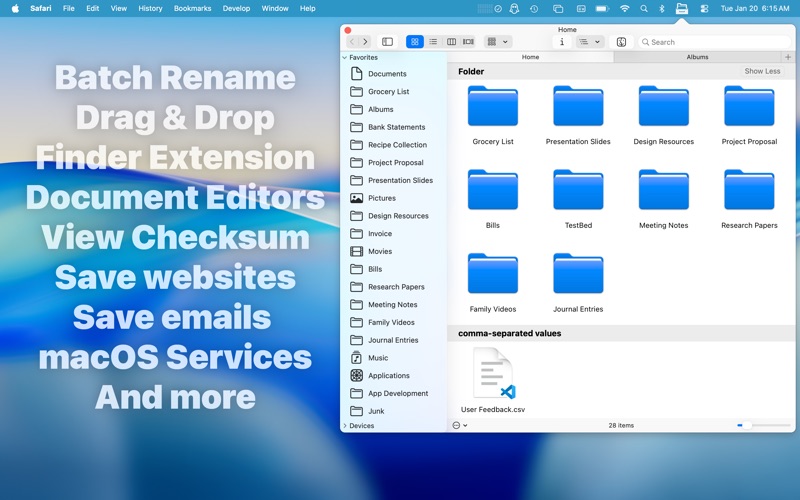
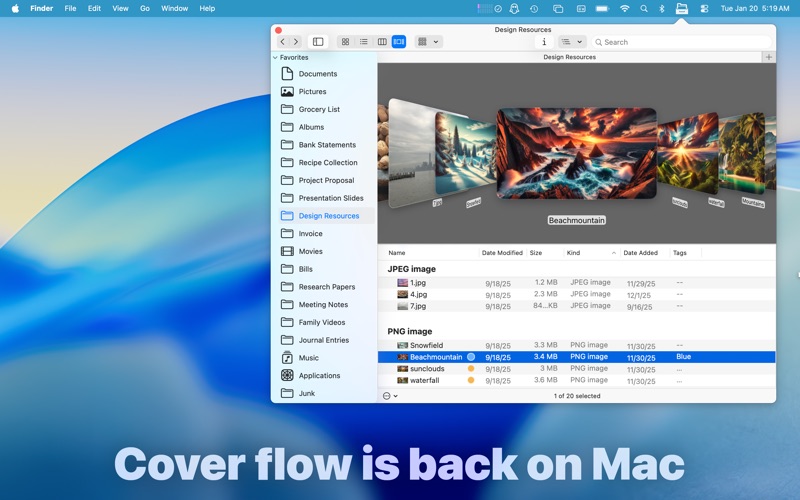
Whether you need to quickly drop a screenshot into a folder, compress a project directory, or edit a markdown document on the fly, you can perform these actions instantly from the drop-down interface. It supports classic directory navigation views, including icon view, list view, and column view, ensuring a familiar navigation experience.
Comprehensive Built-In File Utilities
What sets this tool apart from simple directory shortcuts is its extensive suite of built-in document viewers and editors. You do not need to launch heavy external programs to view or edit common file types. The application natively supports:
- Text Documents: Create and edit plain text (txt), Rich Text Format (rtf/rtfd), and Markdown (md) files, or view PDFs.
- Image Files: View and perform lightweight edits—such as cropping, rotating, and applying filters—to PNG, JPEG, TIFF, and BMP files. You can also import PSD and SVG files.
- Media Player: Play audio and video formats natively, including MP4, MOV, M4A, MP3, WAV, and more.
Advanced Productivity Tools for Power Users
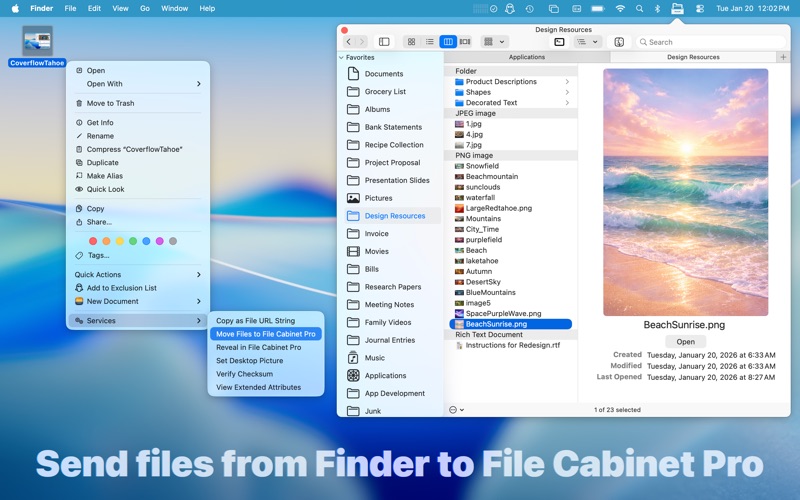
The File Cabinet Pro menu bar file manager is packed with system-level integrations that make file handling incredibly efficient. Users can tag files directly from the context menu, show hidden files, compress directories, and view comprehensive metadata in a customizable preview panel.
For those who love automation and shortcuts, the app supports global hotkeys, MacBook Pro Touch Bar integration, and Finder extensions. You can quickly verify file integrity using SHA256, SHA1, or MD5 checksums, save emails directly as RTF files from the Mail app, and automatically route screenshots straight to your cabinet. It is a complete workflow accelerator built into a minimalist frame.
Is File Cabinet Pro Right for You?
If you find yourself constantly dragged down by Finder window clutter or need a fast, reliable workspace for active files, this app is a highly competent addition to your menu bar. To experience this streamlined workflow yourself, head over to the official Mac App Store to purchase and download File Cabinet Pro today.
Rate the App
User Reviews













Popular Apps










Editor's Choice