

Latest Version
Thinktive Technology Co., Ltd.
Tools
Mac
Free
6753937621
Report a Problem
More About FileStationX for Mac
Why Managing Synology NAS Files on macOS Can Be a Hassle
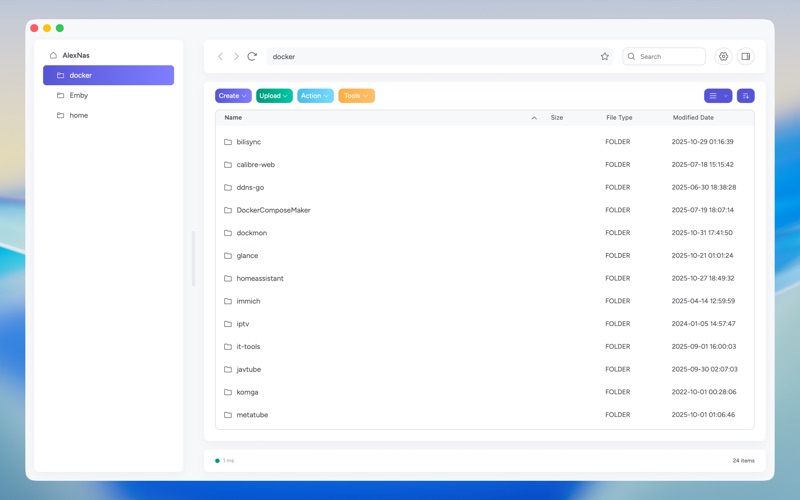
For macOS users who rely on Synology NAS systems, navigating files through a standard web browser can often feel sluggish and disconnected from the native desktop experience. Constant tab-switching and clunky web interfaces disrupt productivity. FileStationX Synology file manager bridges this gap by delivering a lightweight, desktop-optimized utility designed to make remote file organization seamless.
What is FileStationX?
Developed by Thinktive Technology Co., Ltd., FileStationX Synology file manager is a dedicated macOS application tailored specifically for managing files on Synology network-attached storage devices. Categorized under utility tools, it bypasses the need for resource-heavy browser windows, allowing you to interact with your NAS storage through a clean, native-feeling Mac interface.
Key Features and Capabilities
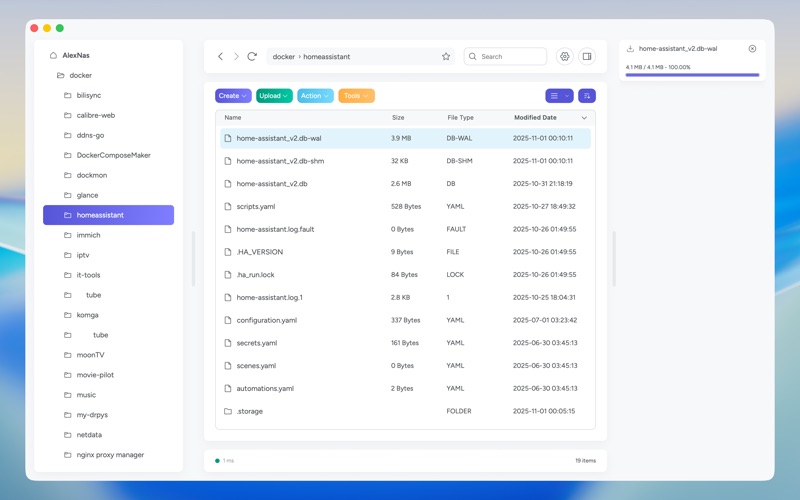
- Native macOS Integration: Enjoy a smooth, lightweight application interface that feels right at home on your Mac desktop.
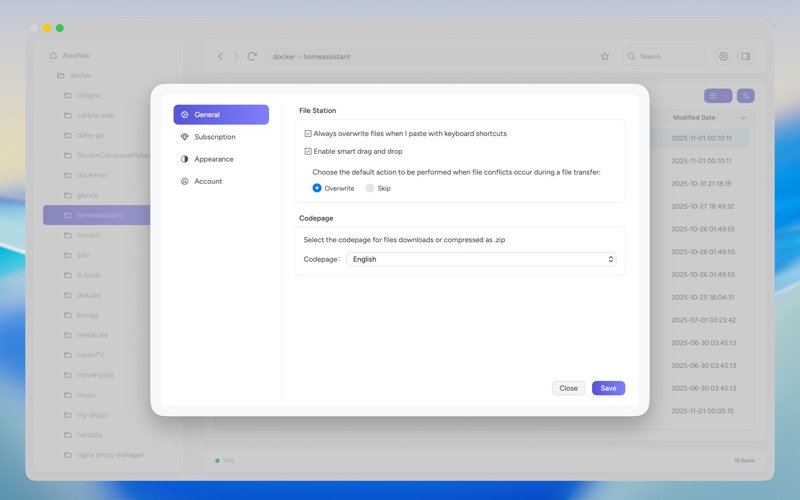
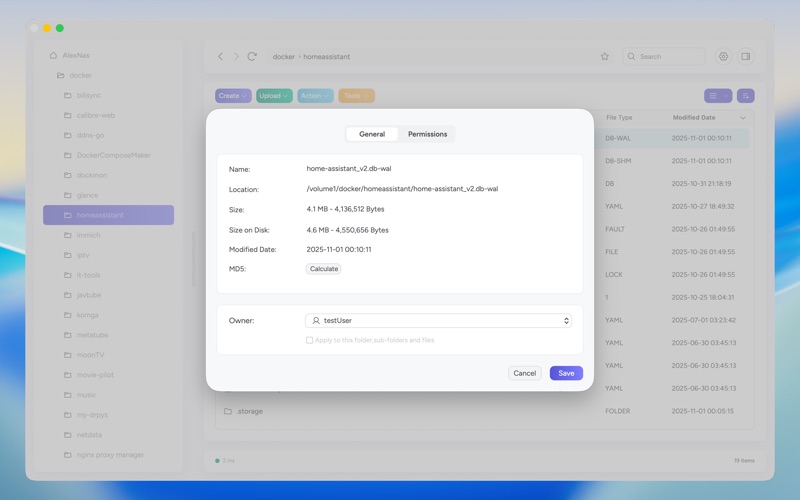
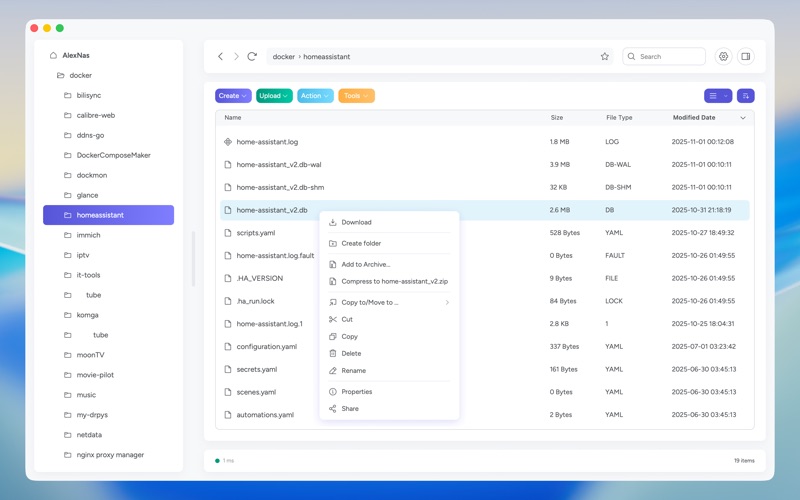
- Direct File Management: Easily browse, organize, and manage all your Synology NAS files and folders without launching a web browser.
- Streamlined Workflow: Built for efficiency, helping both casual users and professional administrators access remote data quickly.
Who is This Tool For?
Whether you are a creative professional handling massive media libraries, a developer managing backups, or a home user organizing personal archives, the FileStationX Synology file manager simplifies your daily workflow. It eliminates the friction of web-based file portals, making it an excellent addition to any Mac-based network setup.
The Verdict: A Smarter Way to Connect
If you are tired of using web browsers to interact with your local or remote storage, this application offers a highly focused solution. It streamlines your connection and keeps your files organized with minimal overhead.
Ready to upgrade your network workflow? Head over to the official Mac App Store to explore more details and add this utility to your macOS toolkit today.
Rate the App
User Reviews












Popular Apps










Editor's Choice